Anthropic models in Microsoft 365 Copilot turn on by default Jan 7, 2026. Get admin opt-out steps, EU and UK exclusions, and the features you lose by disabling.

On January 7, Microsoft will flip a significant switch: Anthropic models will be on by default across many Microsoft 365 Copilot experiences for commercial tenants.
This isn’t just a feature flag, it’s a contractual and compliance shift that brings Anthropic under Microsoft’s Product Terms, DPA, and Enterprise Data Protection (EDP) for these experiences, while also changing which Copilot capabilities you can access if you opt out.
If you own Copilot governance, security, or adoption, now is the time to prepare your toggle strategy, compliance notes, and rollout plan, before this default change goes live.
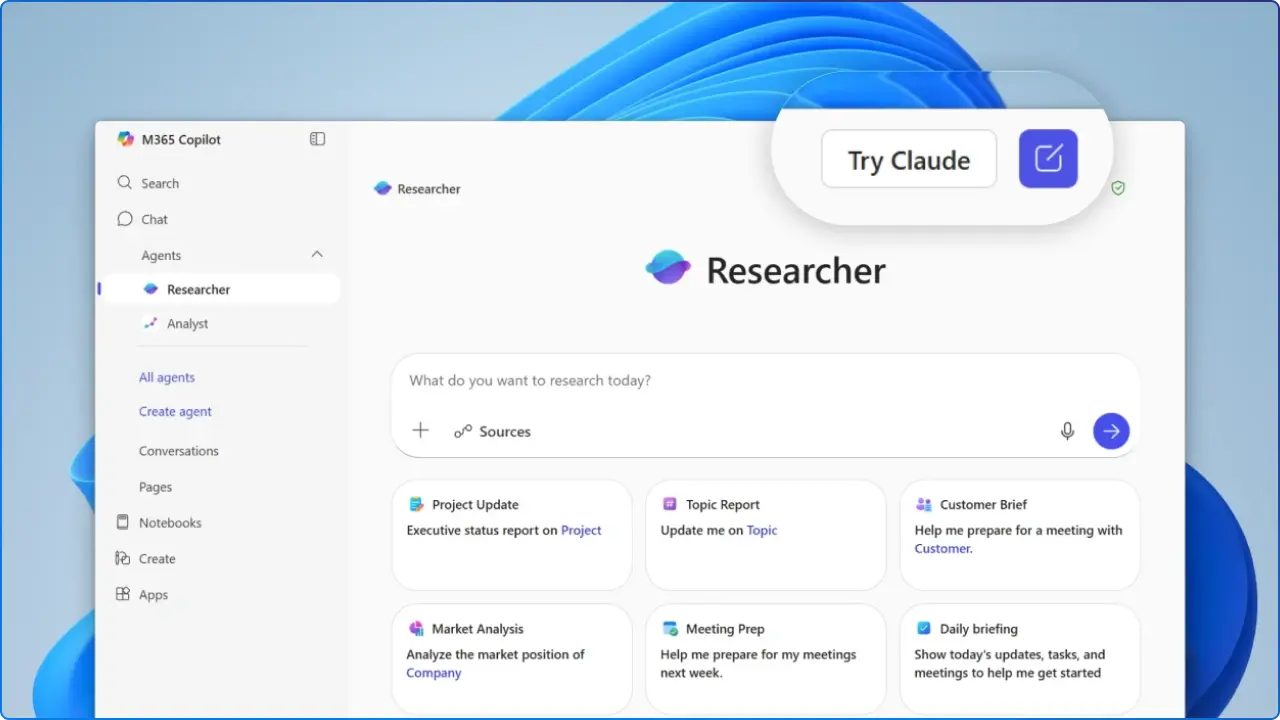
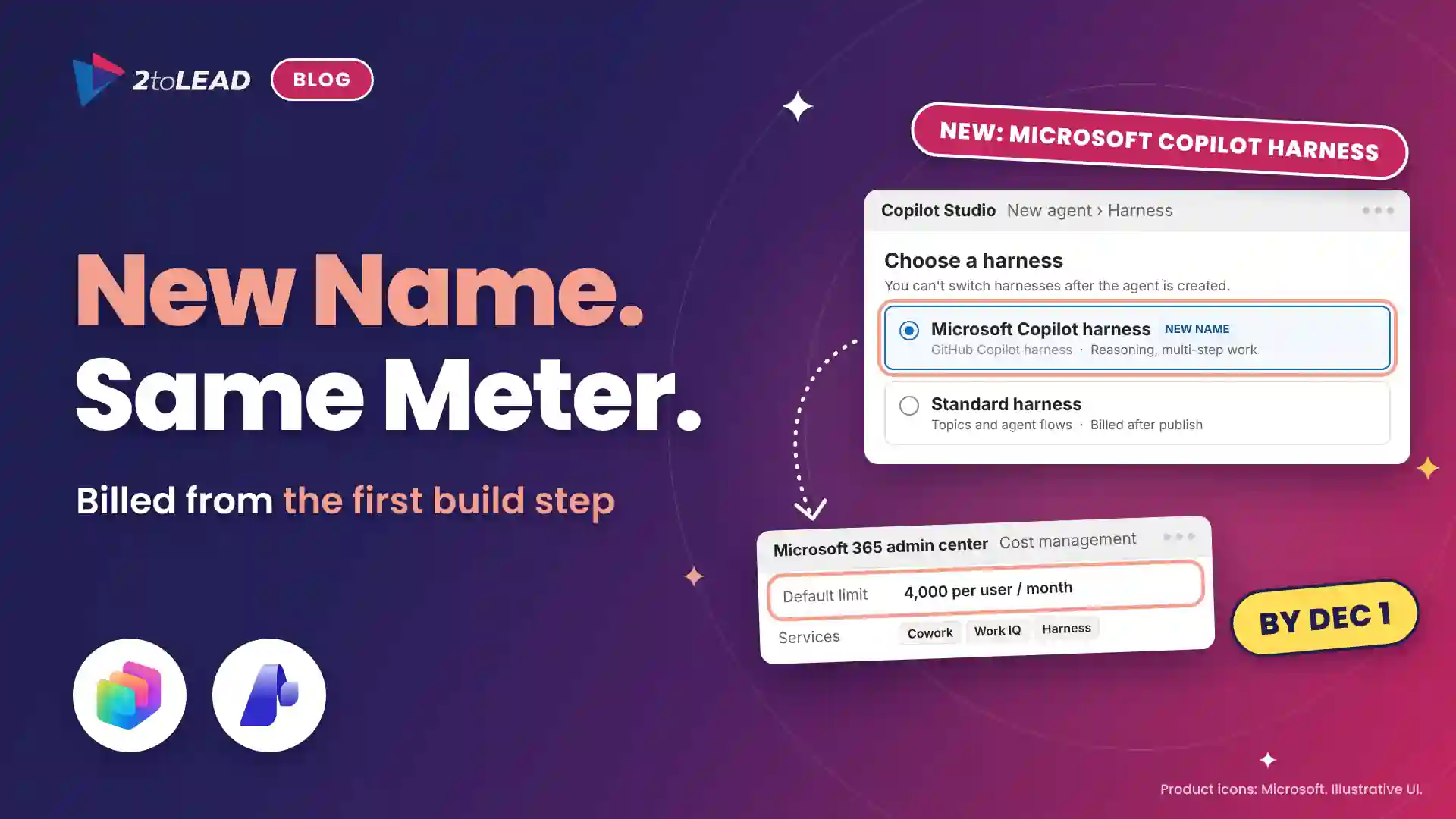
Microsoft has onboarded Anthropic as a subprocessor, bringing Anthropic‑powered Copilot experiences under Microsoft’s contractual safeguards (Product Terms + DPA) and covered by Enterprise Data Protection. This replaces the earlier “opt‑in to Anthropic’s separate terms” approach and simplifies governance.
A new admin toggle for Anthropic appeared in the Microsoft 365 admin center on Dec 8, 2025. For most commercial cloud customers, it’s ON by default. Admins can opt out now; no need to wait until January.
With Anthropic acting as a Microsoft subprocessor for Copilot experiences, your use is covered by Microsoft’s Product Terms and DPA, and by Enterprise Data Protection (EDP) for prompts and responses.
EDP includes encryption, tenant isolation, alignment with GDPR, support for audit/eDiscovery, and controls via Microsoft Purview; alongside safeguards against prompt injection and other AI risks.
Important nuance (EU): Even with EDP coverage, Anthropic models are excluded from the EU Data Boundary at this time. EU/EFTA and UK tenants will need to opt in explicitly, and many will prefer to conduct a DPIA update and legal review first.

Some of Copilot’s most capable experiences rely on Anthropic. If you turn the Anthropic toggle OFF, you may lose access to:
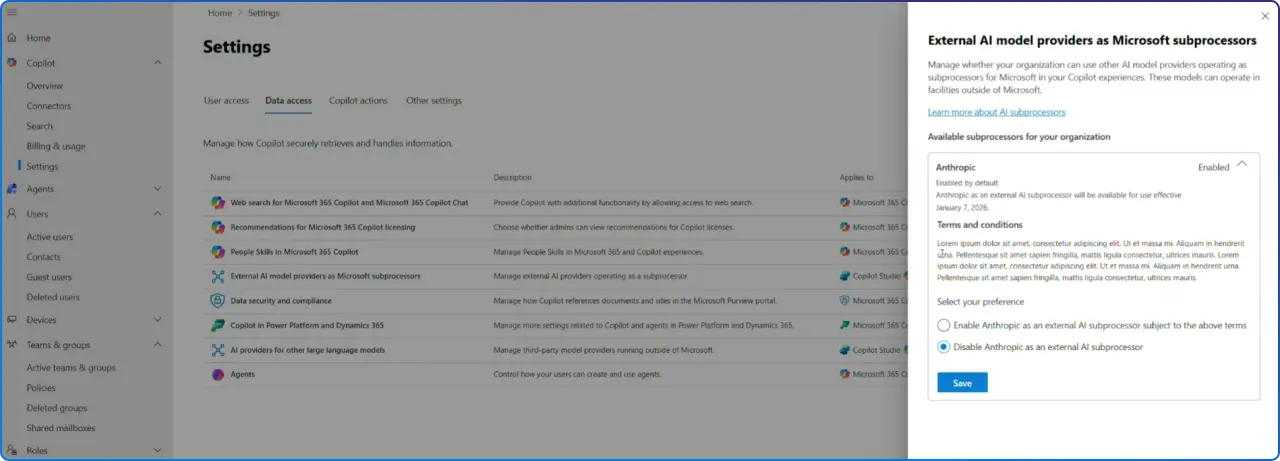
1) Confirm and set the Anthropic toggle in the Microsoft 365 admin center
2) Scope access & pilot safely
3) Apply Power Platform Admin Center (PPAC) controls for Copilot Studio
4) Update security & compliance artifacts
5) Communicate clearly to users
Yes. As a Microsoft subprocessor for Copilot experiences, Anthropic usage is covered under Microsoft Product Terms and DPA, with Enterprise Data Protection applied.
Not currently. Anthropic models used in Copilot are excluded from the EU Data Boundary and, when applicable, in‑country processing commitments.
In the Microsoft 365 admin center under Copilot → Settings → Data access → AI providers. Additional governance controls exist in Power Platform Admin Center for Copilot Studio.
Yes. Microsoft indicates UI indicators will show when Anthropic/Claude models are in use in Microsoft 365 Copilot.
Not yet. Anthropic models are not available for GCC, GCC High, DoD, or sovereign clouds; no toggle is present.
Copilot can surface what people shouldn't see. Three ways we help:
A professional organization built a Purview-based foundation for secure AI adoption with 2toLead.
Read the case study →Copilot licences bought, usage flat, ROI unproven? Three ways we help:
A global nonprofit turned Copilot licences into 1,115.6 hours saved and $83.7K in productivity value.
Read the case study →


Join Our Newsletter