Microsoft 365 quarterly newsletter: 8 deadlines from November 2026 to March 2027, the Copilot Credits change in early 2027, and who owns each decision.

TL;DR: Between November 2026 and March 2027, Microsoft retires or changes eight things your Microsoft 365 tenant depends on, and Copilot becomes a metered service by default for new Copilot Business licenses in early 2027. Our own reader data shows leaders now ask who is accountable, not what Copilot can do. This newsletter maps every Microsoft 365 deadline to the person who should own it.
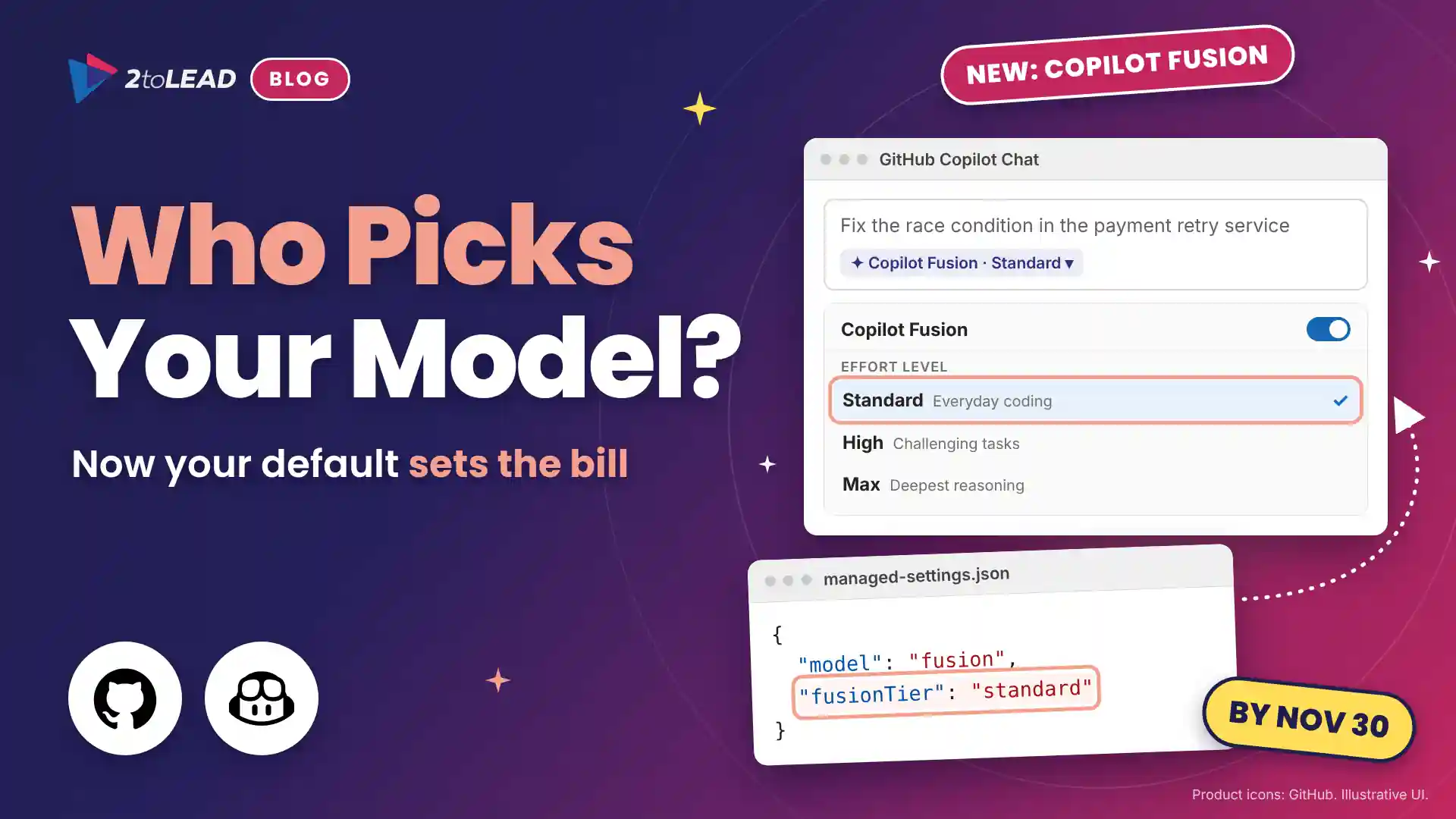
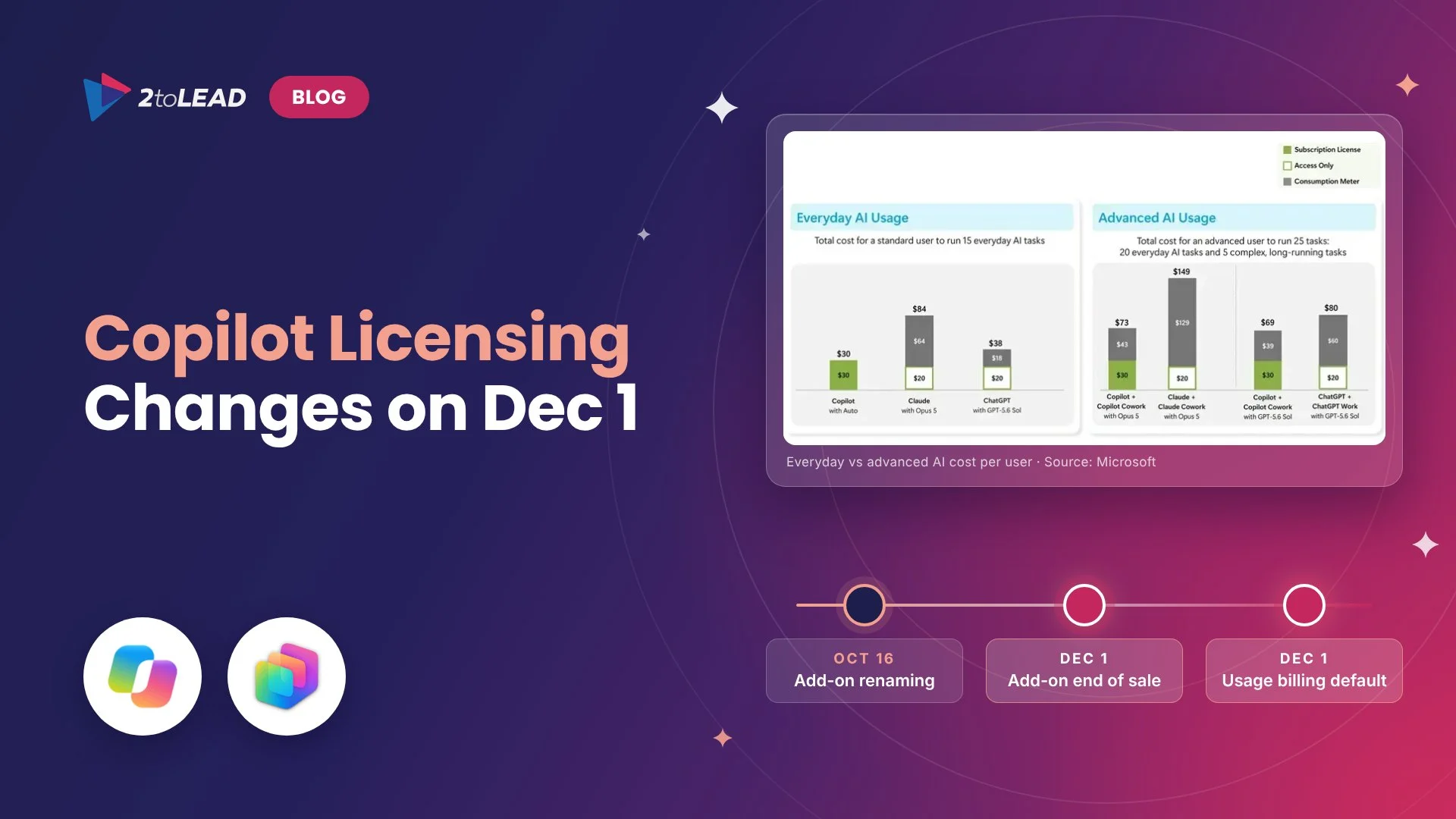
Updated November 14, 2026: Microsoft moved the usage-based billing default for new Copilot Business licenses bought through partners from December 1, 2026 to January to March 2027. This article reflects the new timing.
Most Microsoft 365 newsletters start with what Microsoft shipped. This Microsoft 365 quarterly newsletter starts with something only we can show you: what our readers, including more than 20,000 subscribers, actually read on 2tolead.com between late July and late October 2026. Then we put that next to every deadline Microsoft has set between now and the end of March.
The two lists tell the same story. The Microsoft 365 conversation has moved from capability to accountability. The questions that matter now are who reads the Copilot meter, who owns each retirement date, and who can see what employees ask Copilot.
A decision owner is the person accountable for the outcome of a Microsoft 365 change, and it is often not the admin who changes the setting. That gap is the theme of this quarter, which is why this issue is organized by owner rather than by product.
Microsoft tells admins what is changing. Nobody tells the business who has to decide.
Three shifts matter more than any single feature release.
Privacy, licensing and governance, by a wide margin. Of the five most-read articles on 2tolead.com this quarter, the three about Copilot privacy, Purview licensing and data governance drew about 3.6 times the visits of the two about Copilot features and prompts.
Swipe horizontally to see each article and what it tells us.
| Rank | Article | What it tells us |
|---|---|---|
| 1 | Can My Employer See My Copilot History? What Admins Can Access | Employees want to know who is watching before they go deeper |
| 2 | Microsoft Purview Licensing Explained: E3 vs E5 vs Add-Ons | Leaders are checking which controls they actually own |
| 3 | Microsoft 365 Copilot Updates in 2026: What's New | Feature news still matters, but it ranks behind trust |
| 4 | Microsoft Purview Data Catalog: Data Discovery Made Simple | Knowing where data lives comes before letting AI reach it |
| 5 | Top 10 Microsoft Copilot Prompts to Try First | People still want a practical place to start |
Source: 2toLead first-party Google Analytics 4 data for 2tolead.com, ranked by sessions, July 28 to October 25, 2026.
Our number one article was written for employees and managers, not admins, and it drew more visits than anything else we published. Our read: when people are unsure who can see their prompts, they quietly use Copilot for less. That makes privacy an adoption problem, and it puts the CHRO in the room next to the CIO.
Leaders are discovering that controls they assumed they owned depend on a license they may not have. The same gap is now opening for agents, which we cover in why E3 and E5 tenants cannot govern agents.
Our two most-visited resources were The Definitive Guide to Measuring Microsoft 365 Business Impact and Most Common SharePoint & Teams Sprawl Issues and How to Solve Them. Measuring what you have and cleaning up what you built came ahead of anything new.
Eight, and they don't arrive one at a time. At least five of them fall in the nine weeks between November 30 and January 31, a stretch that includes the holiday break. Each was announced in its own Message center post, so few organizations have seen them side by side.
Swipe horizontally to see each date, its owner and the plan.
| Date | What changes | Decision owner | Your plan |
|---|---|---|---|
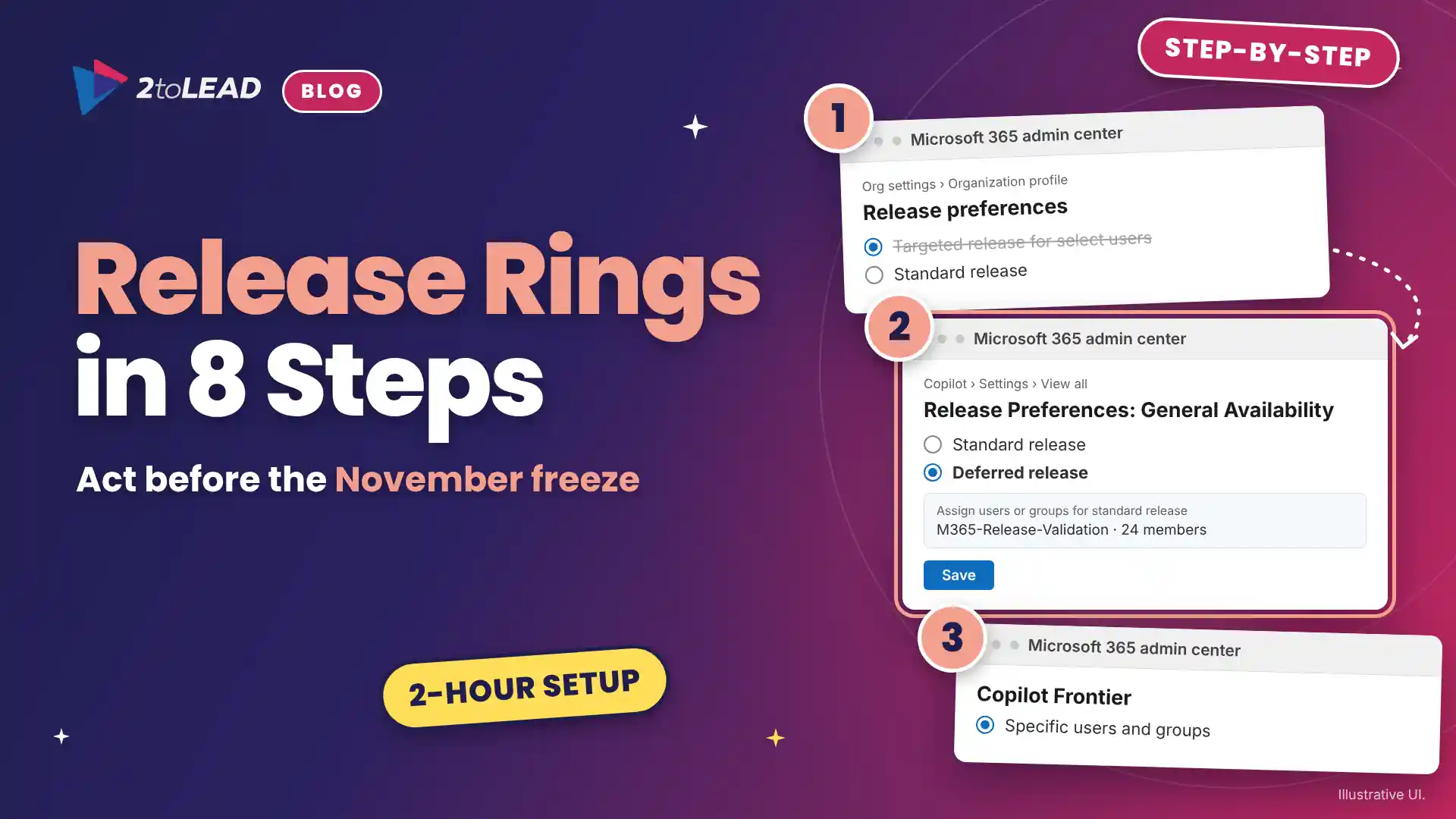
| November 2026 | Targeted release enrollment freezes ahead of its January 2027 retirement | Microsoft 365 platform owner | Rebuild your release rings |
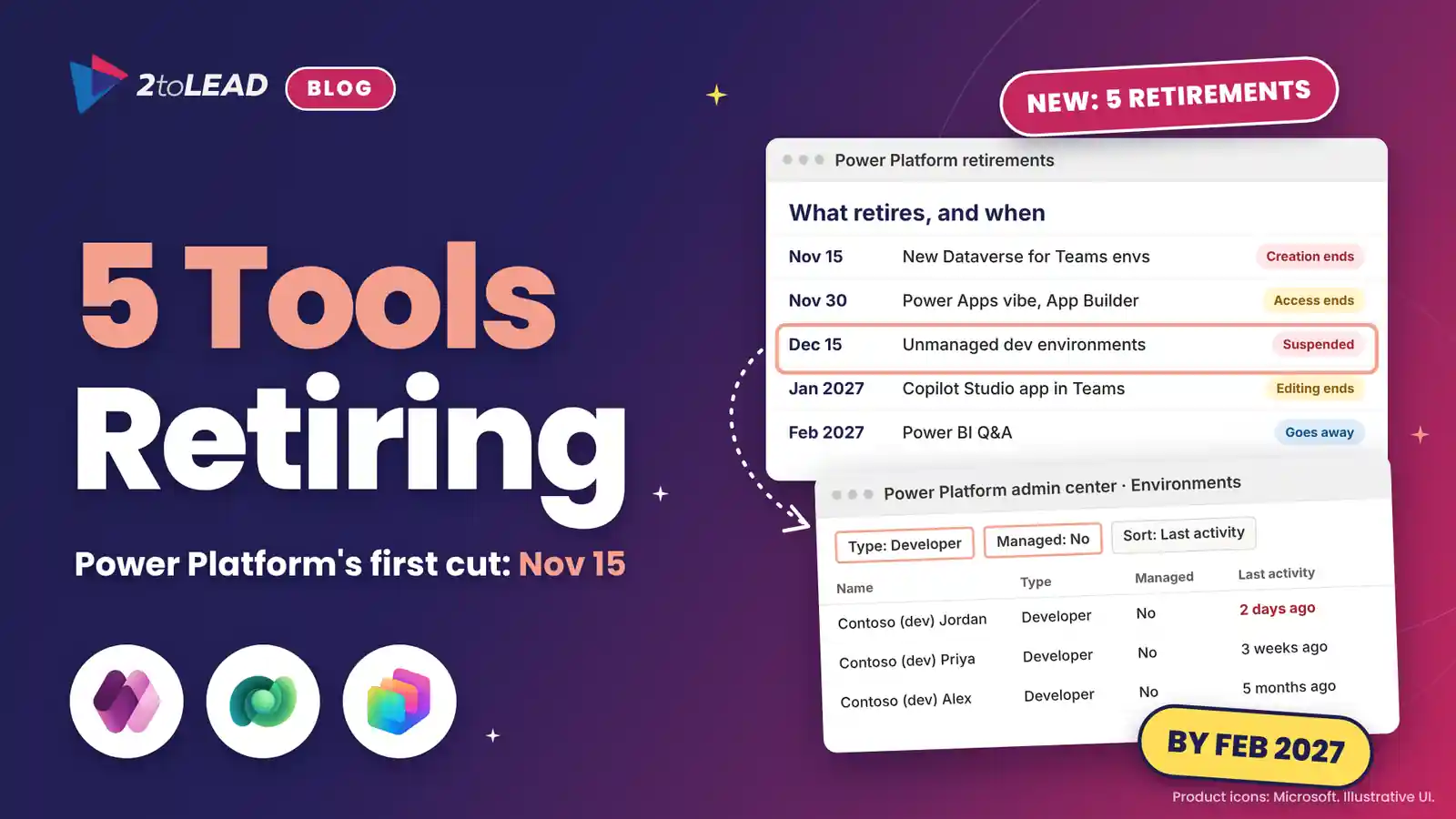
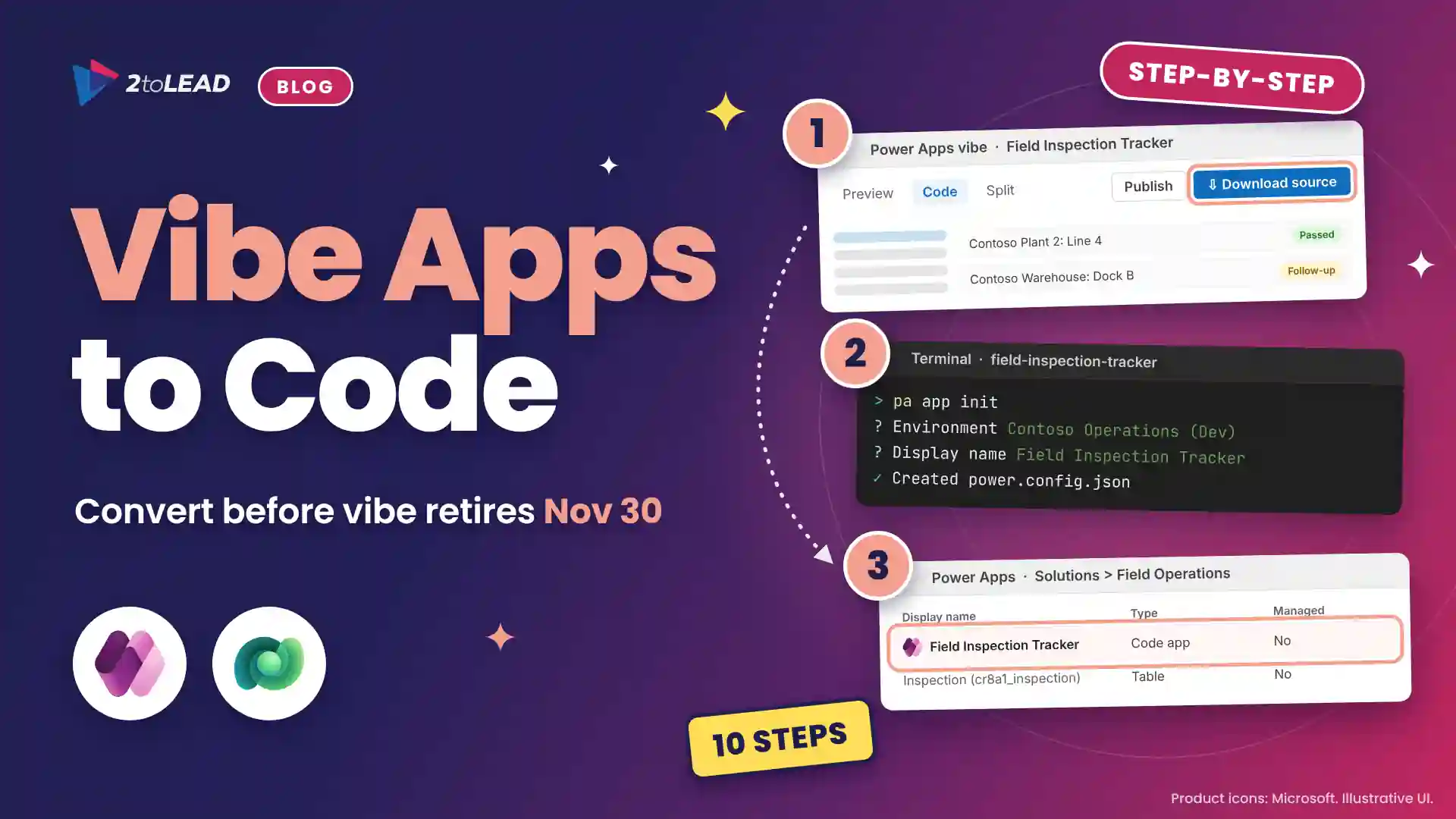
| November 30, 2026 | App Builder and vibe.powerapps.com retire, and apps that aren't migrated become inaccessible | Power Platform and Copilot Studio lead | Plan your App Builder migration |
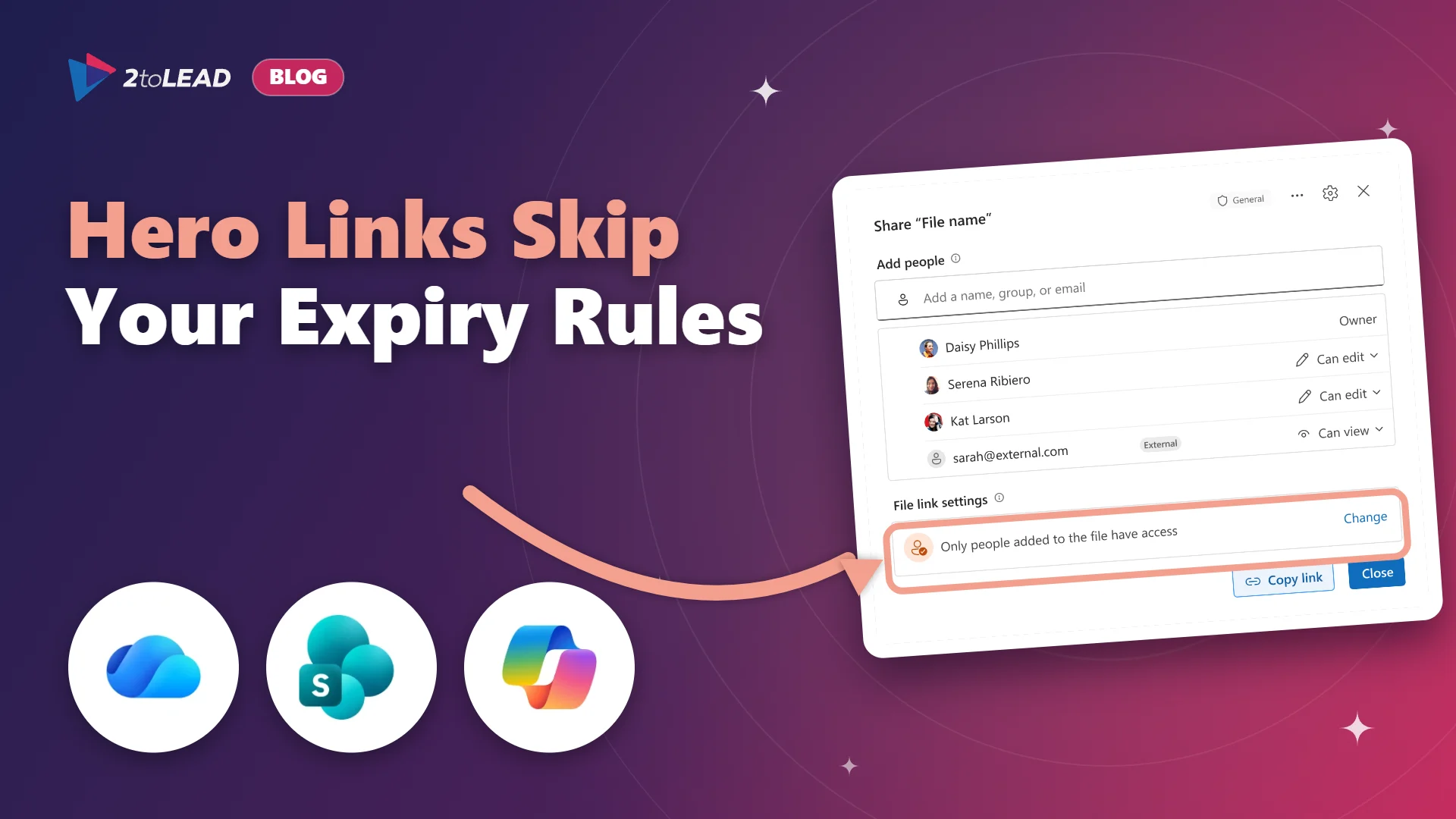
| End of November 2026 | OneDrive hero links reach every tenant, and existing link expiration policies don't apply to them | SharePoint and OneDrive owner, with security | Set hero link sharing defaults |
| January 6, 2027 | Defender for Cloud Apps file policies for Box, Google Drive, Dropbox and Salesforce stop being enforced | Security and compliance | Move cloud-app DLP to Purview |
| January 2027 | Editing ends in the Copilot Studio app in Teams, and the app is removed in February | Power Platform and Copilot Studio lead | Move your classic agents |
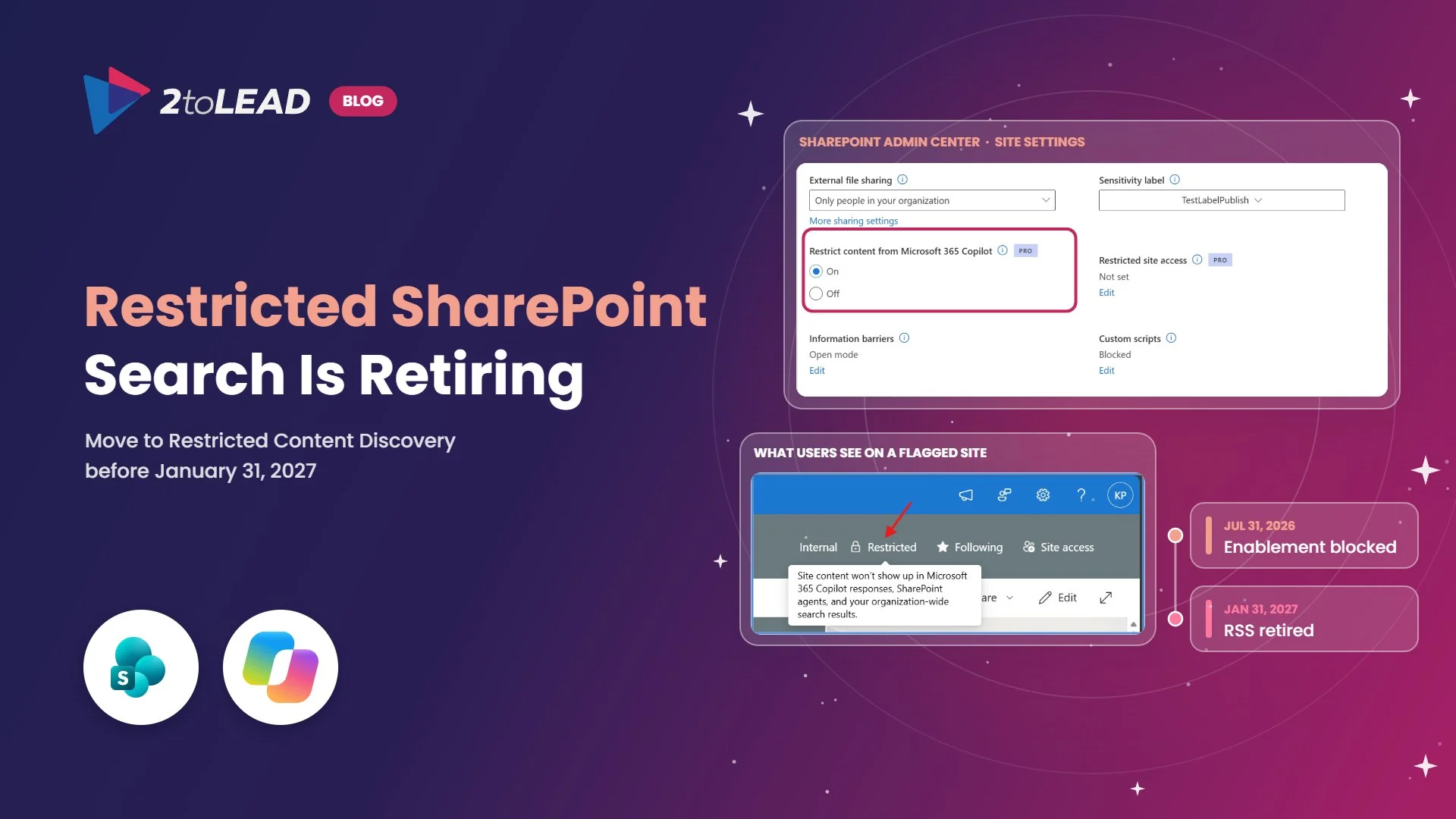
| January 31, 2027 | Restricted SharePoint Search retires, and its settings don't carry over | SharePoint and content owners | Switch to Restricted Content Discovery |
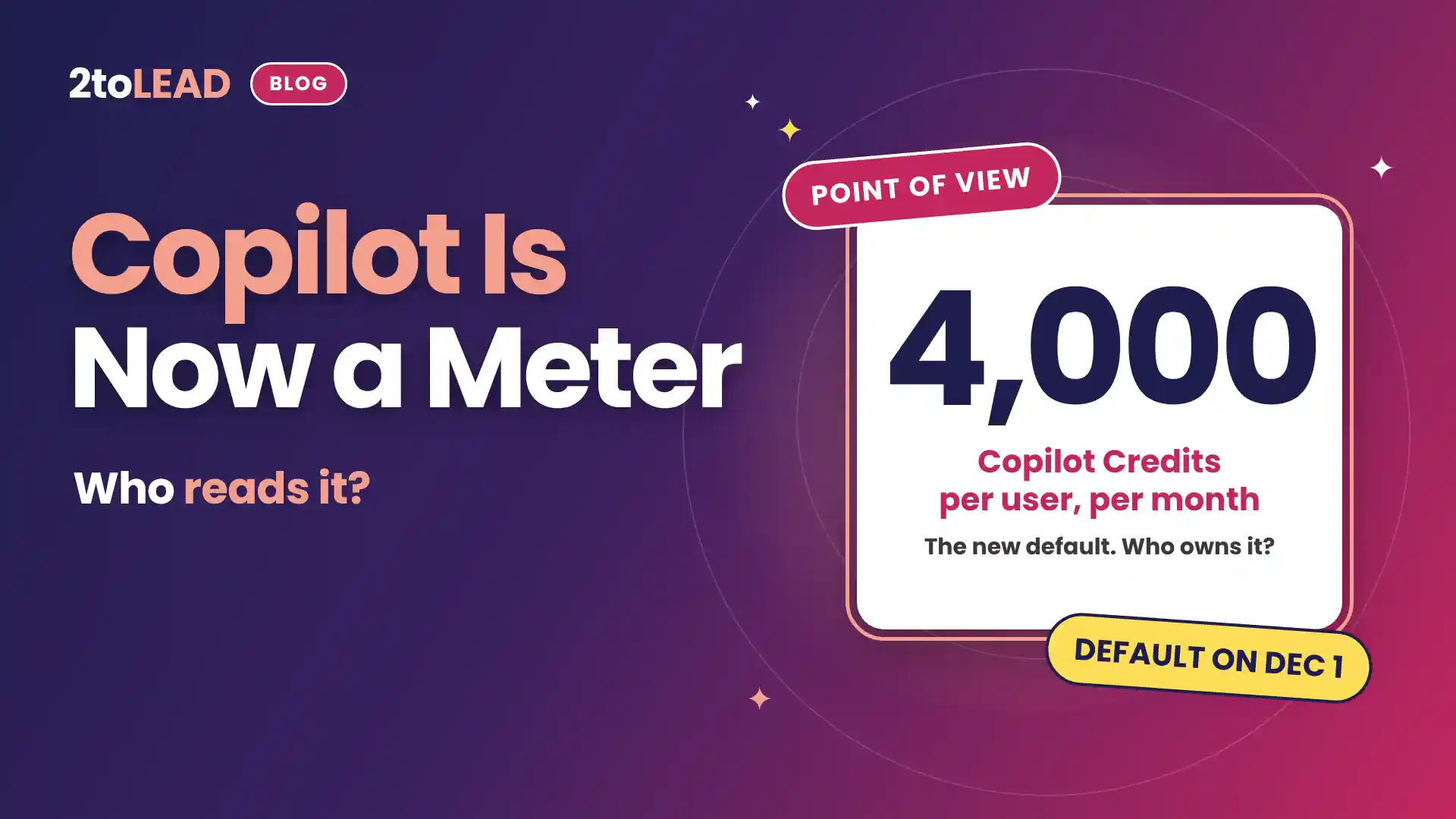
| January to March 2027 | Usage-based billing becomes the default for new Copilot Business licenses bought through partners (moved from December 1, 2026) | Business owner and finance | Decide who owns the meter |
| End of March 2027 | SharePoint .agent file agents stop working | SharePoint site owners | Choose an upgrade path for each agent |
Six roles, and only one of them reads Message center. Use this decision owner map to assign each decision this week, then let IT own the configuration.
Swipe horizontally to see each role's decisions, first question and evidence.
| Role | Decisions this quarter | First question to answer | Evidence to keep |
|---|---|---|---|
| Business owner and finance | Copilot Credits before the early 2027 default | Which workflows are worth paying for, and what monthly limit fits them? | A cost-per-outcome scorecard for each spending policy |
| SharePoint and content owners | Hero link defaults, Restricted SharePoint Search, .agent file agents | Which sites should Copilot never reach, and which agents do we keep? | A restricted-site list and an agent inventory, each with a named owner |
| Power Platform and Copilot Studio lead | App Builder retirement, Copilot Studio app in Teams | Which apps and agents still earn their place? | An app and agent register with owners and last-used dates |
| Security and compliance | Cloud-app DLP moves to Purview | Which policies must be live on January 7? | A side-by-side map of old and new policies |
| Microsoft 365 platform owner | Targeted release retirement | Who sees changes first, and who triages them each week? | Named Frontier and validation groups and a weekly triage log |
| HR and legal | Copilot chat privacy (no deadline, but the top reader question) | What do we tell employees about who can see their Copilot history? | A plain-language employee notice and a review of who holds eDiscovery roles |
Finance owns the biggest Microsoft 365 decision this quarter, and none of the deadlines. SharePoint owners carry three of the eight dates. If your plan has one name next to all of them, it's a plan for a bottleneck.
It turns Copilot from a seat you buy once into a meter that runs every day. The risk isn't the bill. It's a bill nobody owns.
Existing subscriptions keep working as they are, and the default applies to new Copilot Business licenses bought through Cloud Solution Providers. Microsoft now plans that default for January to March 2027, and a new purchase also turns it on for Copilot Business licenses already in the tenant. But the advanced experiences people are most excited about, including Copilot Cowork, Code and Autopilot, run on Copilot Credits, so most organizations will meet the meter as soon as they turn those experiences on. Our position is in Copilot Credits: Who Owns the Meter?, and the details are in the December 2026 Copilot licensing guide.
Measuring value is possible, and it doesn't take a year. In a 12-week Copilot pilot with a 2,000-employee global nonprofit, 2toLead measured 1,115.6 hours saved, $83.7K in productivity value and a 4.5-month payback. The method is in the Copilot ROI case study.
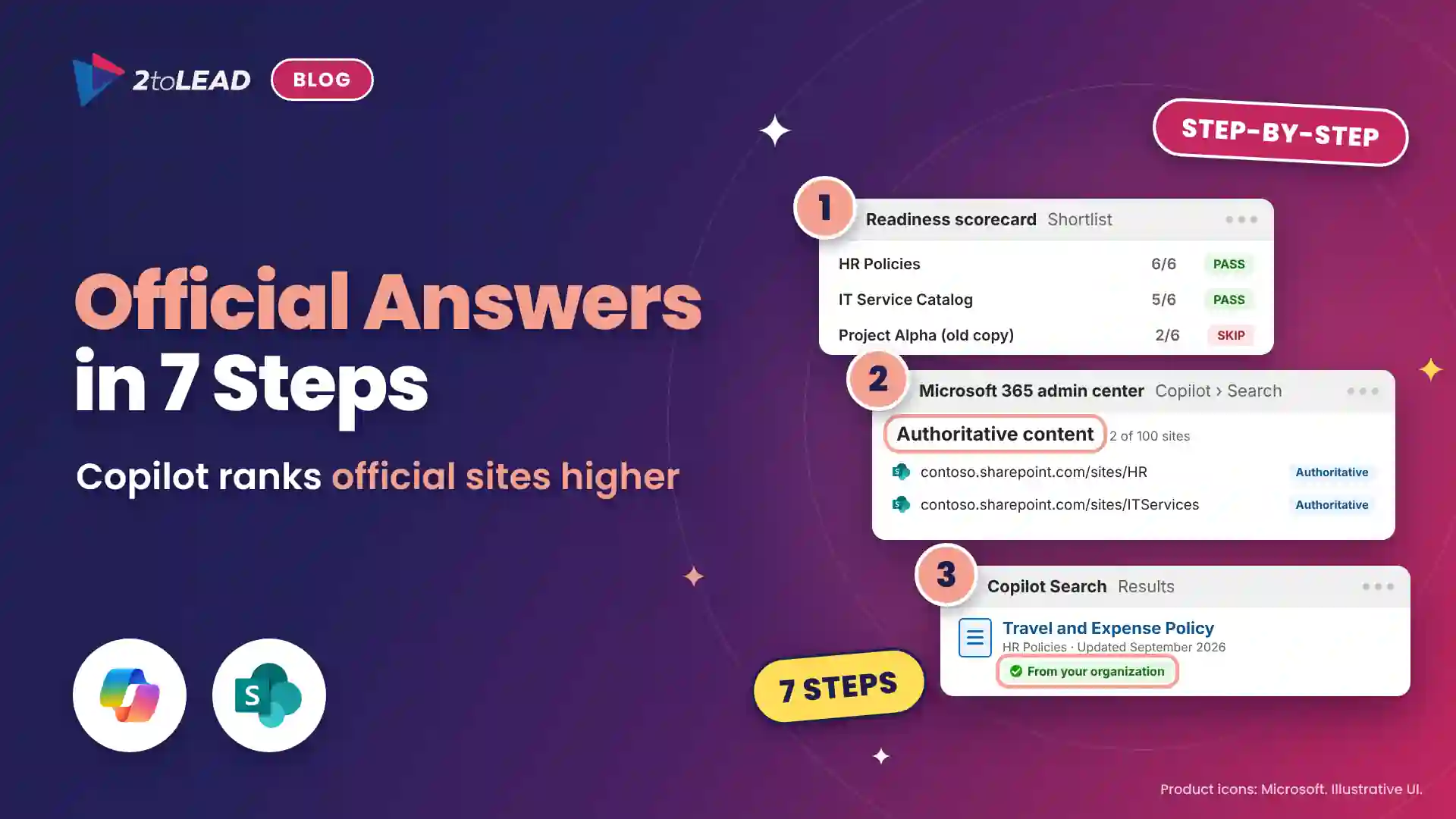
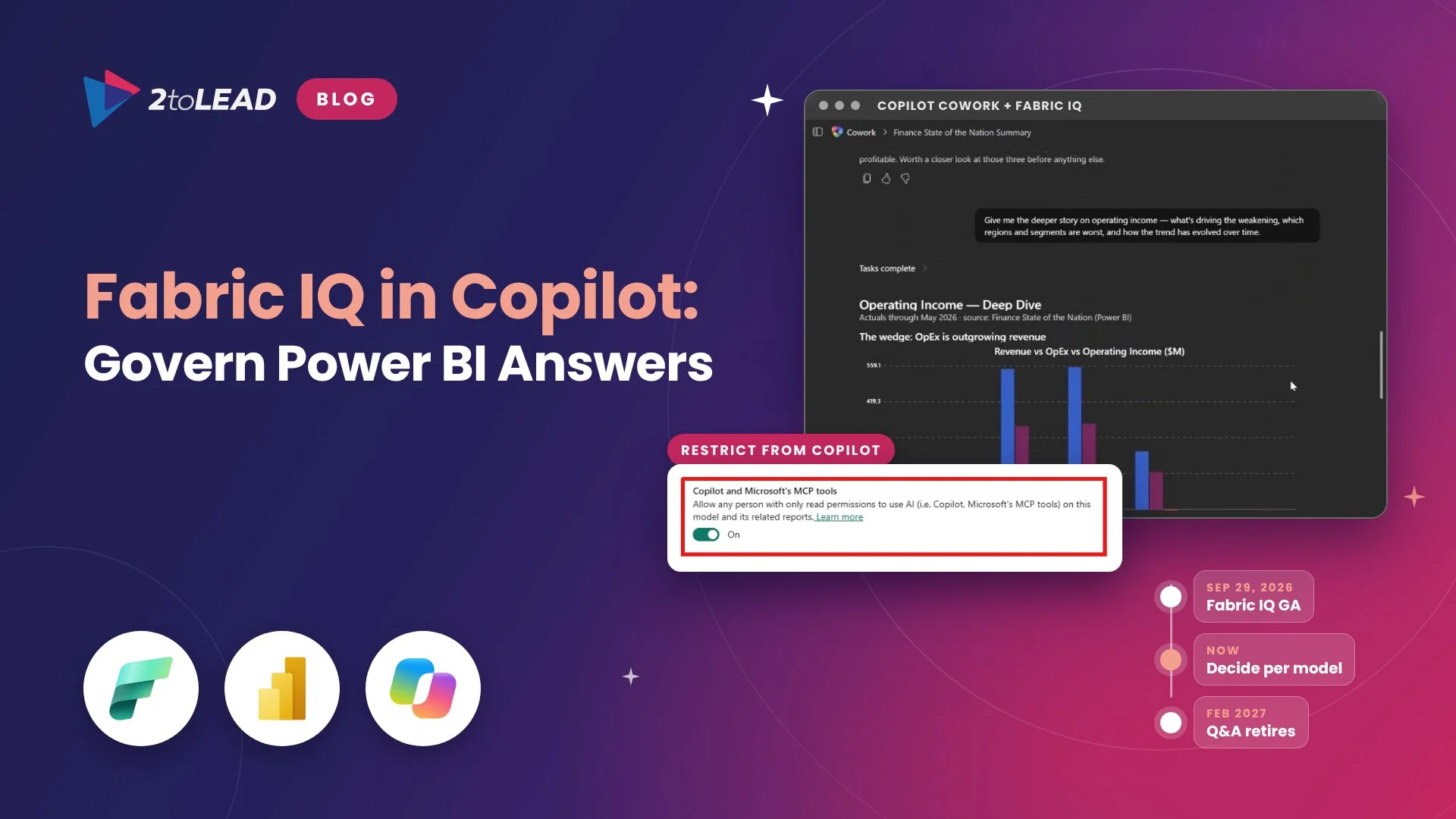
Our pick of the quarter is the Restricted SharePoint Search retirement on January 31, 2027. The Copilot Credits change will get the headlines because it touches the budget. January 31 deserves the attention because it touches what Copilot can see.
Restricted SharePoint Search is the temporary allow-list many organizations turned on for their first Copilot rollout. Microsoft has blocked new enablement since July 31, 2026, the settings won't carry over to Restricted Content Discovery, and the two controls work in opposite directions. If you do nothing, sites outside your allow-list can become discoverable in Copilot, and large sites can take more than a week to process a change. That is a quiet failure, and quiet failures are the expensive kind.
Start with the Restricted SharePoint Search retirement plan, then use the Copilot-ready intranet checklist to decide which content Copilot should trust.
The most dangerous Microsoft 365 date this quarter isn't the billing change. It's January 31.
The projects that move fastest settle ownership before they touch configuration. Three recent 2toLead engagements show the pattern.
Pick your path. Each one is three reads, in order, and each builds on the one before.
2toLead helps organizations in healthcare, nonprofit, education, financial services, professional services, government and manufacturing turn Microsoft 365 changes into governed, measurable outcomes. There are two ways to start:
Get the next quarterly newsletter in your inbox, or find more practical guidance on the 2toLead Insights hub.
No hype. Just practical, governed AI that actually gets adopted.
A sprawling intranet where nobody finds anything? Three ways we help:
Atrium Hospitality moved 7,000+ employees into one SharePoint intranet, with 40% faster document search.
Read the case study →Copilot licences bought, usage flat, ROI unproven? Three ways we help:
A global nonprofit turned Copilot licences into 1,115.6 hours saved and $83.7K in productivity value.
Read the case study →


Join Our Newsletter