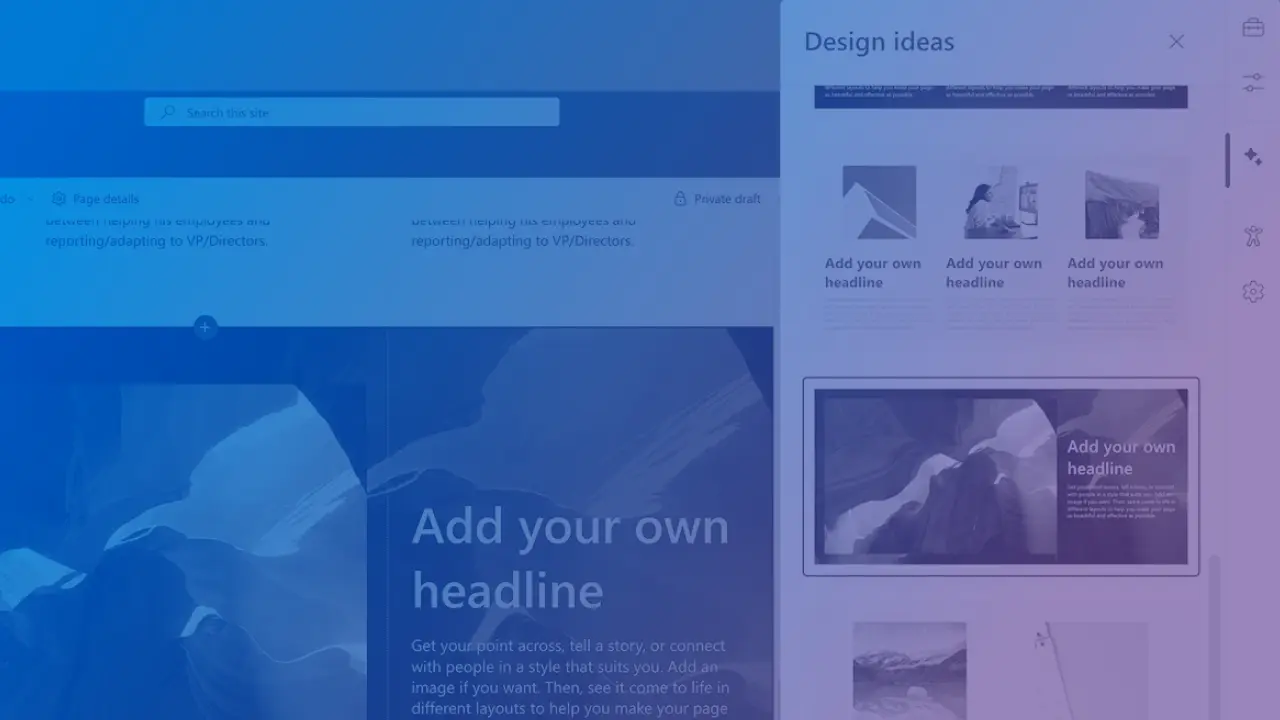
SharePoint Design Ideas uses AI to suggest layouts, images and formatting for pages. See key features, how to build a page with it and tips for better results.
In the changing world of digital content, SharePoint focuses on enhancing how we create and manage content.
As intranet owners and content creators, it is important to create engaging SharePoint page designs that captivate your audience. However, not everyone possesses the design skills needed to achieve this effortlessly.
Recognizing this challenge, SharePoint introduced Design Ideas, an innovative AI-powered tool designed to simplify the page design process.
By diving into this feature, we want to help you understand how it can streamline your SharePoint page design process. Our goal is to empower intranet owners and content creators alike with a tool that saves time and improves the look of their SharePoint content.

With SharePoint Design Ideas, you can easily create attractive and professional pages in just a few clicks. This makes it easier than ever to create stunning SharePoint pages for sharing information with your team.
It analyzes your page content and gives you suggestions for layout and design. This helps you create pages that look professional and appealing with ease.
Gone are the days of manual formatting and design tweaks.Design Ideas helps you create polished, engaging pages effortlessly, saving you time and effort.
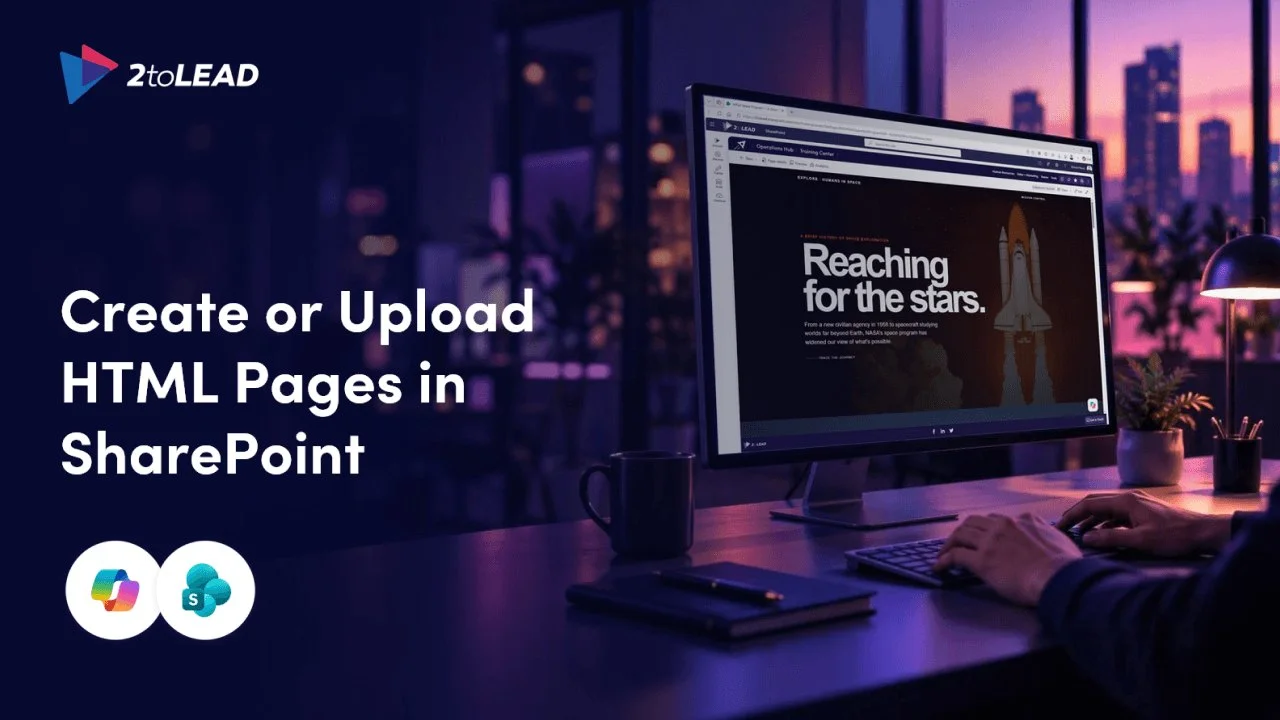
Below is a step-by-step guide on how to use Design Ideas inSharePoint.


You can even use Design Ideas on blank sections!

SharePoint’s Design Ideas feature transforms the way you present your narratives. You have access to a variety of customizable SharePoint templates. You can easily add text, images, videos, and other media to create engaging pages that tell your story effectively.
By bridging the gap between creative vision and technical execution, Design Ideas becomes an indispensable tool when you create content for your digital workplace.
As SharePoint evolves, Design Ideas shows how to balance automation with creative freedom. This brings exciting opportunities for creating digital content in the future.
This is also highlighted in another new feature that was recently announced: flexible sections.
We hope you enjoy using Design Ideas and look forward to seeing how you implement it in your SharePoint site design!
Copilot licences bought, usage flat, ROI unproven? Three ways we help:
A global nonprofit turned Copilot licences into 1,115.6 hours saved and $83.7K in productivity value.
Read the case study →A sprawling intranet where nobody finds anything? Three ways we help:
Atrium Hospitality moved 7,000+ employees into one SharePoint intranet, with 40% faster document search.
Read the case study →


Join Our Newsletter