Microsoft Scout is now Autopilot. Learn what the always-on Microsoft 365 agent does, how it differs from Copilot, private preview status and how to prepare.
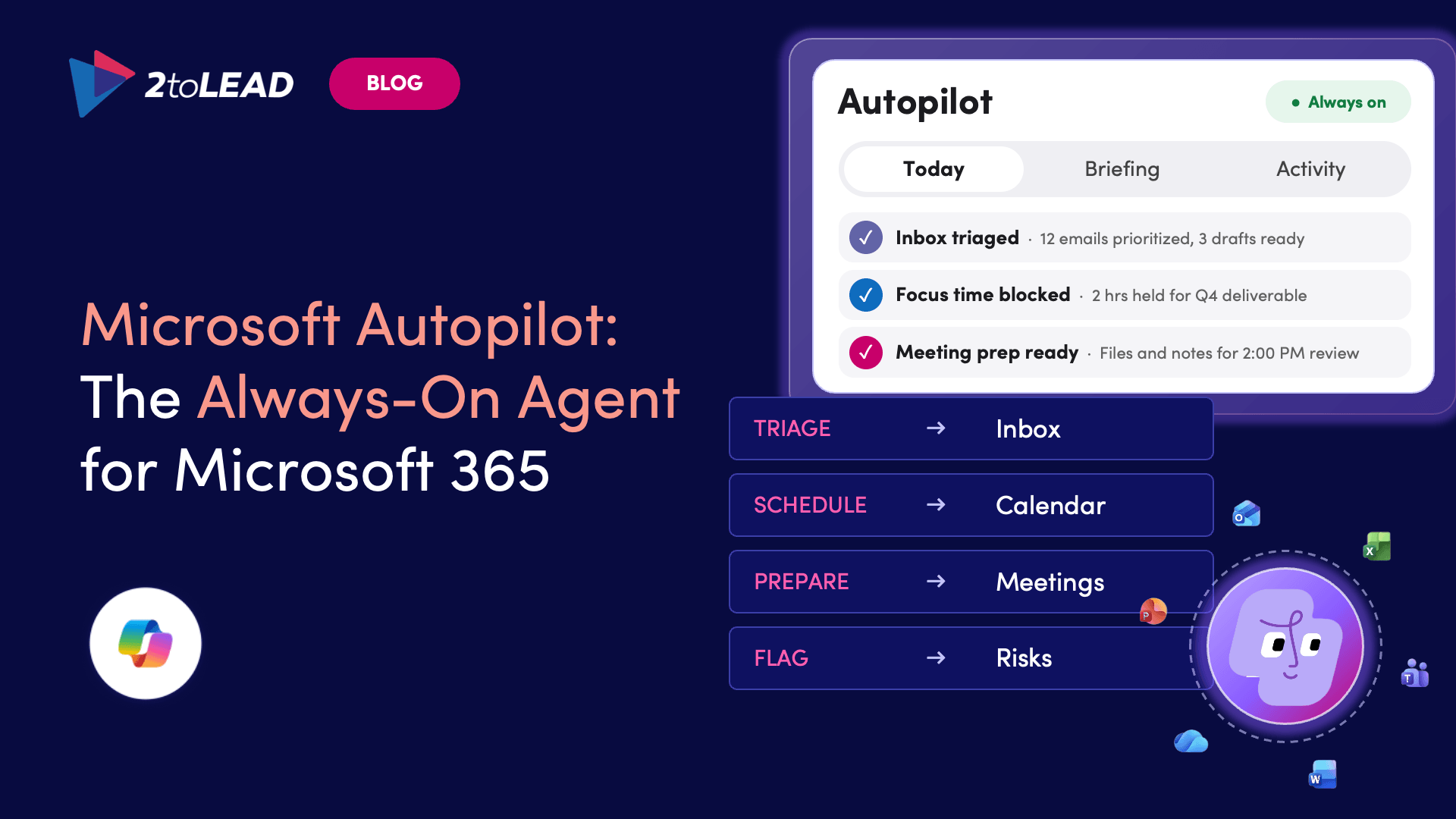
Microsoft Autopilot is an always-on, cloud-based agent in Microsoft 365 that works for you without waiting for a prompt. You give it a name, a role and a goal. It then follows up on threads, watches channels, runs recurring work and picks projects back up days later. Microsoft introduced it as Microsoft Scout in June 2026 and renamed it Autopilot in September 2026.
Not to be confused with Windows Autopilot, Microsoft's Intune tool for setting up devices. This article is about Autopilot in Microsoft Copilot.
Microsoft introduced Scout on June 2, 2026, as the first in a new category of agents it called "Autopilots." These are agents that run in the background with their own identity. Scout launched as an experimental release through Microsoft's Frontier program.
On September 25, 2026, Microsoft relaunched Copilot around three capabilities and renamed Scout. In Microsoft's own words, "Autopilot, previously called Scout, is your digital teammate."
What changed with the rename:
What hasn't changed: Scout was built on OpenClaw, an open-source agent framework, with Microsoft's enterprise identity and access controls added on top. Microsoft has confirmed the name change but hasn't said how the underlying technology has changed since then.
Not broadly. Autopilot is in private preview and has not reached general availability. Here's the timeline so far:
What this means for you:
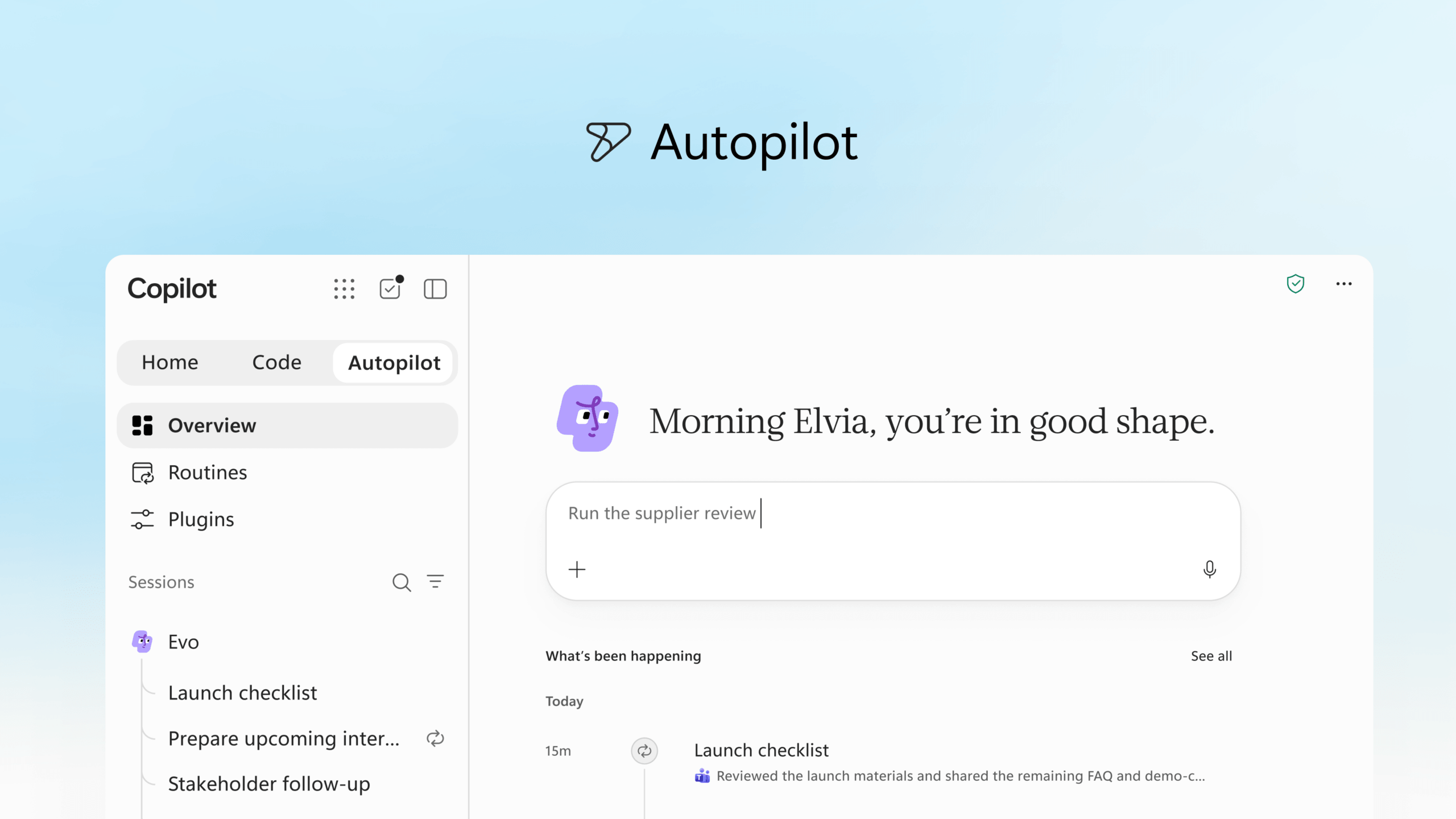
You set the goal and the limits, and Autopilot does the follow-through. Microsoft's example is running a full supplier review: building the schedule and workback plan, then handling prep, meetings, follow-ups and stakeholder check-ins on its own.
Microsoft first highlighted these core capabilities when it launched Scout, and they still describe what Autopilot is designed to do:
Autopilot has its own account, mailbox and files. It can also work across your local files and its own remote computer.
You shape how it behaves over time. As Scout VP Omar Shahine explained: "We all have our interesting quirks in how we work, and people are codifying those patterns into memories and skills that persist in their agent. Then the agent becomes more capable, better understanding you and gaining more agency and exercising judgments."
Microsoft 365 Copilot started as a chat assistant: you ask, it answers, and the conversation ends. Autopilot is now part of the Copilot app, but it works differently. It runs continuously, acts on its own initiative and doesn't need a prompt each time.
When Satya Nadella introduced the category at Build 2026, he said: "Copilot is driving this across chat, work, and development - but there's also a new addition: Autopilots. The first Autopilot is Scout. Scout works where you work. That's the future of the Copilot ecosystem."
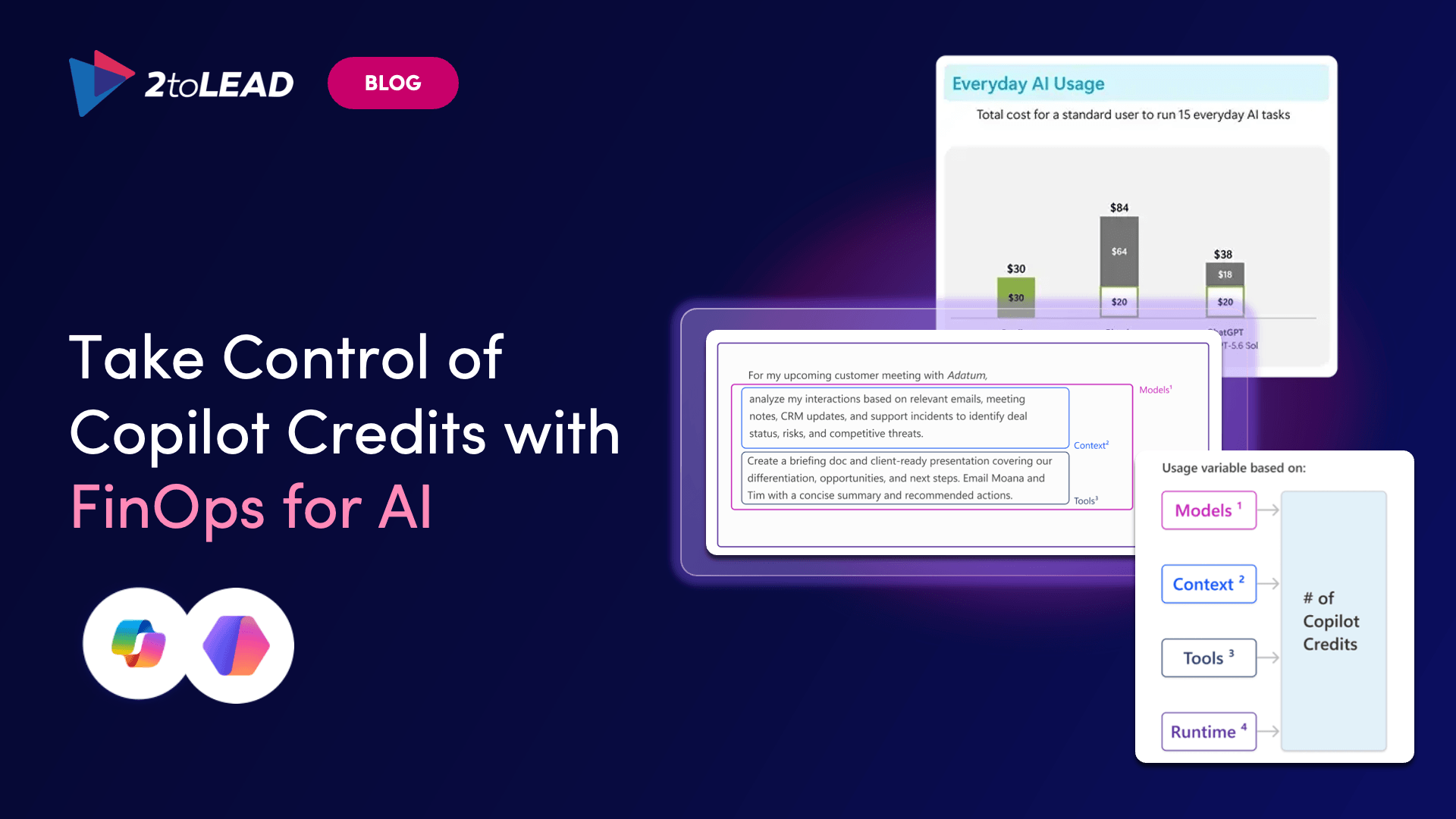
Microsoft has confirmed that Autopilot uses usage-based billing (Copilot Credits). Cowork, Code and Microsoft's most advanced models are billed the same way. Everyday Copilot in Chat and the Office apps stays on the per-user licence.
Some pricing details are still unresolved, so we've only included what Microsoft has confirmed. For a full breakdown, read Copilot Credits and FinOps for AI: What the New Copilot Will Really Cost.
Autopilot isn't something you just switch on. It's a new kind of system that needs to be governed like infrastructure. While it's in preview:
Organizations that have already prepared for Copilot are best placed to adopt Autopilot with confidence. That means having governance frameworks, data classification, sensitivity labels and access controls in place. Organizations that haven't will find Autopilot exposes every gap in how their information is organized and secured.
The direction is clear. Microsoft is moving from AI that assists to AI that operates. Copilot was the starting line, and Cowork sped things up. Autopilot is where agents stop being features and become digital co-workers with their own identities, permissions and responsibilities. Satya Nadella has said every agent has to have an identity, and everything it does needs to be observed.
For organizations still evaluating Copilot, Autopilot is a sign that the time to get the basics in place is running out.
What is Microsoft Autopilot? Microsoft Autopilot is an always-on, cloud-based agent in Microsoft 365. It works toward goals you set, handling follow-ups, meetings, recurring work and coordination without waiting for a prompt.
Is Microsoft Autopilot the same as Microsoft Scout? Yes. Microsoft renamed Scout to Autopilot on September 25, 2026, when it relaunched Copilot around Home, Code and Autopilot.
Is Microsoft Autopilot the same as Windows Autopilot? No. Windows Autopilot is an Intune tool for setting up devices. Microsoft Autopilot is an AI agent in the Microsoft Copilot app.
Is Autopilot the same as Microsoft 365 Copilot? Not exactly. Autopilot is one of three capabilities in the Copilot app. Copilot Chat responds when you ask. Autopilot works continuously in the background, with its own identity, within your organization's policies.
Is Microsoft Autopilot generally available? No. Autopilot is in private preview, and Microsoft says it's rolling out to Frontier organizations in November 2026. No general availability date has been announced.
How do I get access to the Autopilot private preview? The private preview is invitation-only, so start with your Microsoft account team. For Frontier access, you need a Microsoft 365 Copilot licence, and your organization has to opt in through the Microsoft 365 admin center.
How much does Microsoft Autopilot cost? Autopilot is billed by usage through Copilot Credits. Microsoft hasn't confirmed all pricing details yet.
What is Autopilot built on? Autopilot started as Scout, which was built on the open-source OpenClaw framework with Microsoft Entra identity and Microsoft Purview compliance controls added on top. It also draws on Microsoft IQ for context about your organization.
What apps does Autopilot work with? Teams, Outlook, chats, channels and documents across Microsoft 365. It also has its own mailbox, files and remote computer.
How is Autopilot governed? Each Autopilot runs under its own governed identity, with access controls, approval steps for sensitive actions, Purview data protection, and Agent 365 for oversight and cost management.
Agent ideas everywhere, nothing in production? Three ways we help:
A regulated health system turned its legal contract playbook into a governed Copilot agent that reviews real contracts every day.
Read the case study →


Join Our Newsletter