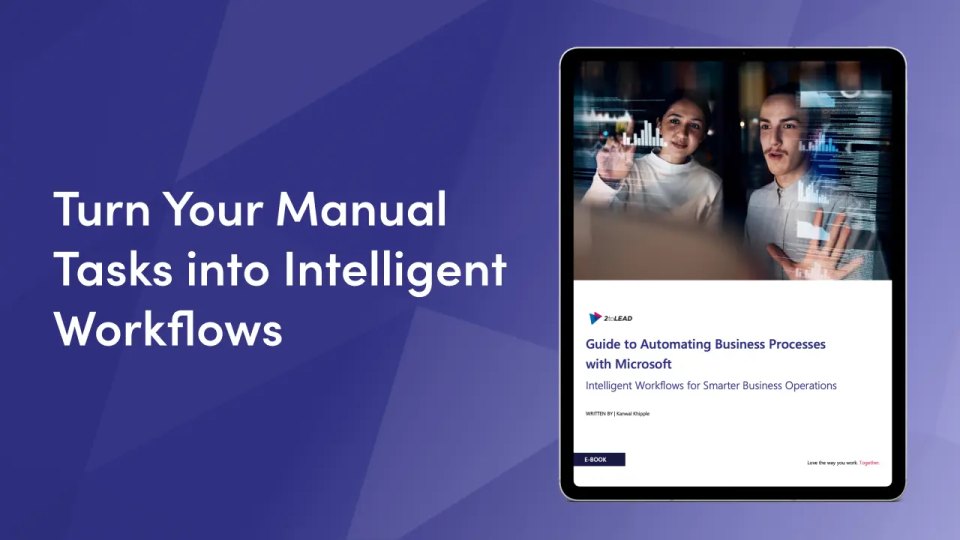
Unlock the power of Microsoft Power Platform to streamline your business operations, automate repetitive tasks, and drive smarter decision-making.
Integrate, Inform, Improve – Intelligent Workflows That Scale
Whether you're just starting your automation journey or looking to enhance existing solutions, this guide walks you through practical, real-world ways to transform your processes with tools like Power Automate, Power BI, Power Apps, and Copilot Studio.
What You’ll Learn
✅ How to Integrate Systems and Eliminate Silos
Unify data across platforms using APIs and connectors through Power Automate and Power Apps, so you can boost accuracy and reduce manual input.
✅ How to Automate Reporting and Alerts
Set up real-time dashboards and notifications using Power BI and Power Automate to stay ahead of performance issues and compliance requirements.
✅ How to Build Custom Workflows That Improve Efficiency
Discover how to design intelligent, scalable workflows tailored to your business needs with Microsoft’s low-code tools, including Copilot Studio for AI-powered automation.
Who This Is For
This guide is ideal for:
- IT and Operations leaders exploring automation
- Business analysts looking to streamline reporting
- Process owners wanting to reduce manual workloads
- Any organization investing in the Microsoft ecosystem
Why It Matters?
Strong business process automation (BPA) isn’t just about saving time — it’s about creating a more agile, intelligent, and scalable organization. Microsoft Power Platform enables organizations to connect systems, improve visibility, and act on insights faster — all with less code and more impact.
What’s Inside
📘 A breakdown of the “Integrate, Inform, Improve” framework
🔌 API-based automation strategies using Power Platform
📊 Real-time analytics and reporting best practices
🤖 AI-powered workflow design with Copilot Studio
🛠 Templates, governance tools, and hands-on training links
Ready to Build Smarter Workflows?
Download the guide and start transforming your operations — from data entry and reporting to complex decision automation.