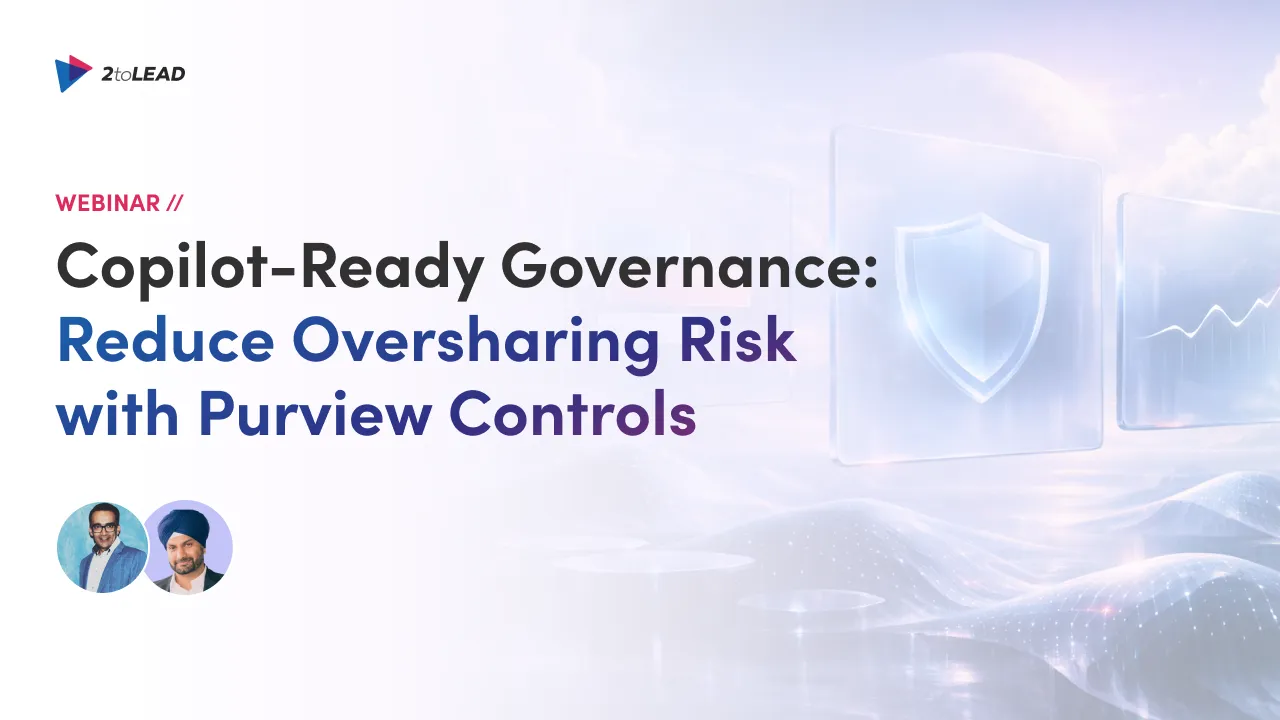
Reduce Microsoft 365 Copilot oversharing risk with Microsoft Purview controls: labels, DLP, audit. Learn what to prioritize when migrating legacy SharePoint compliance experiences to Purview.
Why Copilot Oversharing Becomes “Active Exposure”
Most organizations already have overshared sites, inherited access that no longer makes sense, and content that was never labeled for sensitivity. When Copilot and agents can surface information instantly, those gaps become active exposure, especially during migration windows where content moves, sharing changes, and governance gets out of sync.
At the same time, Microsoft is deprecating older SharePoint information-management features, and Microsoft states it won’t automatically migrate those older SharePoint records/IM policies to modern equivalents, so “doing nothing” can create compliance gaps during migration.
Session Overview
Speakers:
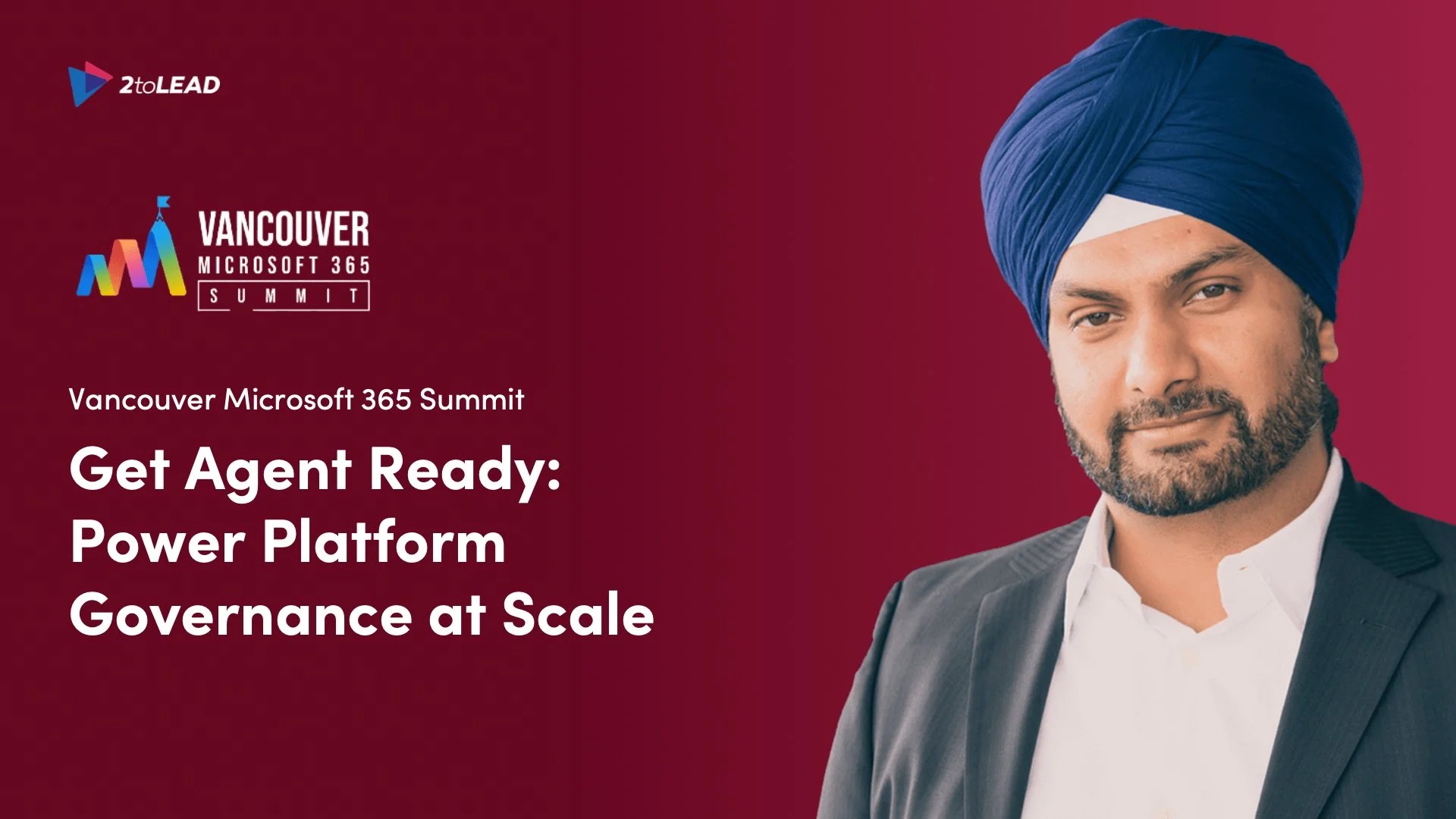
Kanwal Khipple, CEO of 2toLead and 17x Microsoft MVP, is an award-winning digital workplace expert with extensive field experience working with small to large organizations.
Alpesh Nakar, CTO of EDUC4TE, brings over 15 years of experience in cybersecurity and IT consulting with a strong focus on people growth, process, and practical technology enablement.
What You'll Learn
In this session, you’ll learn how to apply a practical Copilot governance framework during your migration “danger zone,” including:
- Why Microsoft 365 Copilot oversharing risk increases when permissions drift and legacy sharing remains unchecked
- How to prioritize Microsoft Purview controls that reduce risk quickly:
- Sensitivity labels (so protection travels with the content)
- Purview DLP (to help prevent accidental exposure)
- Purview audit/compliance analytics (to make governance measurable and defensible)
- How to restrict what Copilot can discover while your team cleans up permissions so you can reduce exposure without blocking day-to-day work.
- The migration "danger zone" to watch for: permissions drfit + compliance gaps (and what to stabilize first)
Each takeaway is designed to help you act quickly without needing a massive permissions overhaul on day one.
Who This Session Is For
This webinar is built for teams responsible for Microsoft 365 risk, governance, and migration outcomes:
- Microsoft 365 Admins & Architects managing migrations and tenant changes
- Governance / Compliance / GRC leaders who need evidence and defensibility while data moves
- IT leaders preparing for Copilot-safe data across the Microsoft 365 environment
- Security teams tasked with reducing oversharing without blocking collaboration
This session will help you make Copilot readiness measurable and defensible, especially if your teams are balancing governance and stakeholder expectations at the same time.
FAQs
1) What is “Copilot oversharing” in Microsoft 365?
Copilot can surface any content a user already has permission to access, so overly broad access and legacy sharing can expose sensitive data at scale.
2) Is this webinar relevant if we haven’t deployed Copilot yet?
Yes. If you’re preparing for Copilot (or agents) and want to reduce risk during a migration window, this session is designed to help you plan what to prioritize first.
3) Is this webinar relevant if we’re already migrating SharePoint or Microsoft 365?
Yes. The session is built around the reality that migrations often change access and content structure, which can increase exposure if governance isn’t aligned early.
4) Do I need Microsoft Purview already in place to attend?
No. You’ll still benefit if you’re evaluating readiness or planning your governance approach and want clarity on what to focus on first.